

Configuring the pluginCaching the parsed GraphQL queries
Caching the parsed GraphQL queries
Each request must parse the GraphQL query, validate it against the schema, and build the execution plan. To speed up repeated requests, Gato GraphQL can write the prepared query to disk and reload it on later runs.
Files go in the plugin cache directory; to use another path (e.g. plugins dir not writable), see Overriding the cache folder.
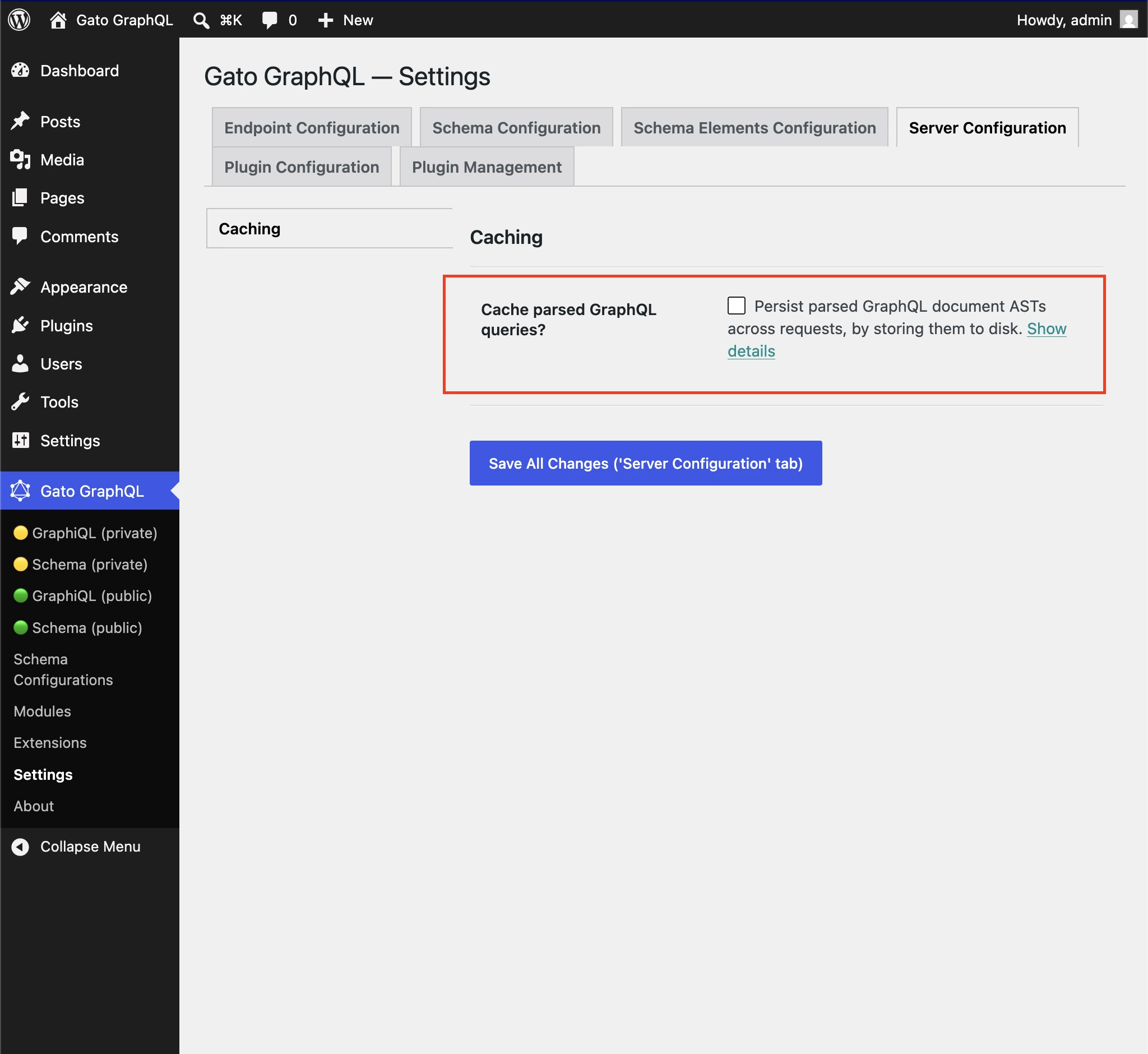
Settings to cache parsed GraphQL queries
Enable the option on the Settings page, under Server Configuration > Caching > Cache parsed GraphQL queries?:
This caches the preparation of the query (parse and compile), not the response data. For HTTP caching of responses, see Adding HTTP caching.